Maxwell® Instrument Firmware Download Request
To request firmware files for your Maxwell® Instrument, please complete and submit the form below. After we verify your instrument information, our Technical Services team will reach out to you to provide the requested files, along with instructions for installation.
Need help?
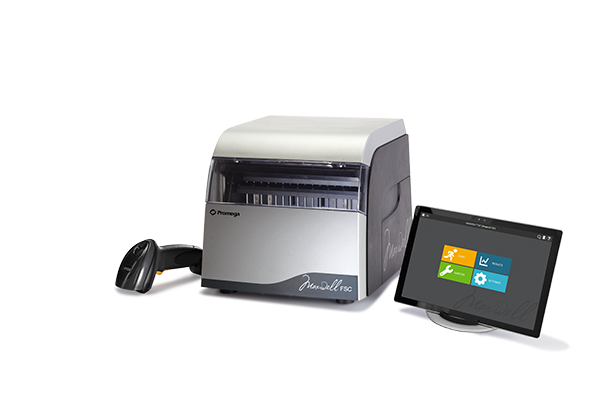
Maxwell® RSC or FSC Software and Firmware
Latest versions:
Software v4.0.0
Firmware* v4.17 or v6.0.0
Maxwell® RSC 48 Software and Firmware
Latest versions:
Software v4.1.1
Firmware* v6.2.12 or v8.0.0
*Note: The appropriate firmware version will depend on the Maxwell® instrument serial numbers.
Instrument Information:
On your Maxwell® instrument, please open the software and go to “Settings” -> “Instrument Info”.
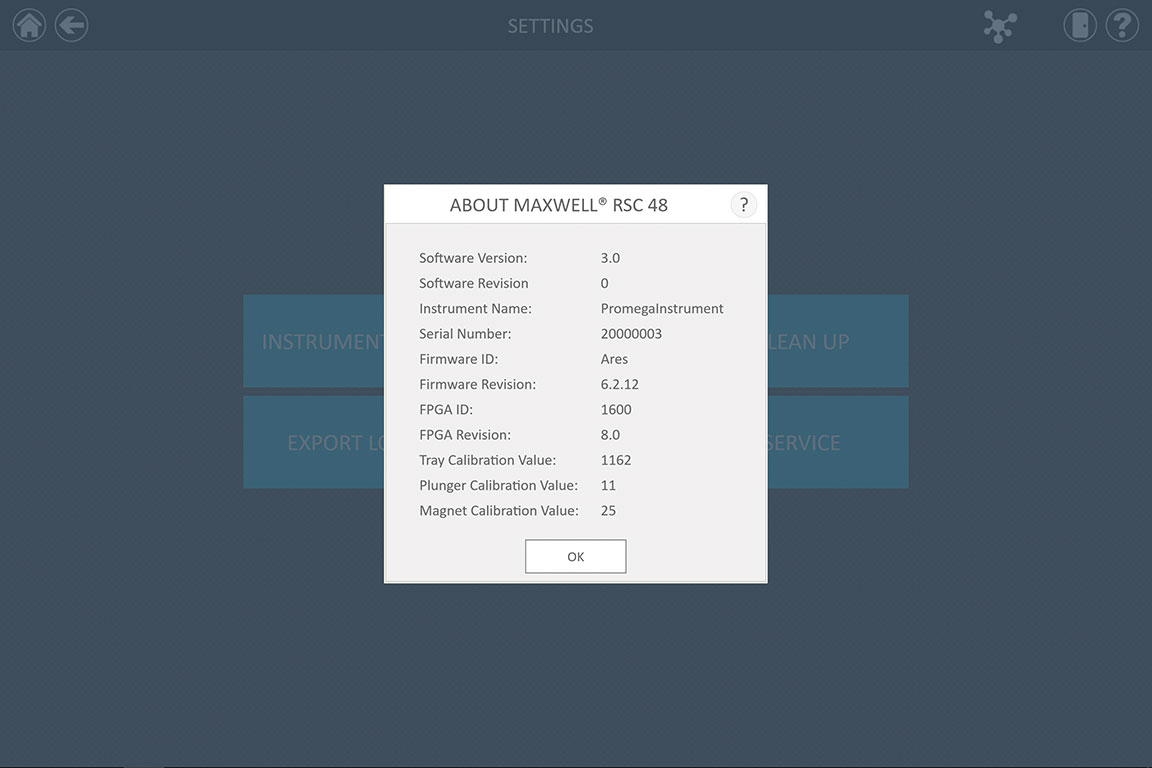
Please use the information presented in this window to complete the form below: